Pre-launch page. Example content is made up and marked. Screens and outputs are real, from Node 2.91.120 on a test install with test content. The waitlist sends and stores nothing.
Old posts get your affiliate links. You open none.
Gillish Node is a WordPress plugin. Its automatic links put your affiliate links on the words you choose, in every post, as each page is shown. Your posts stay as you wrote them.
The opening of the post is left as you wrote it.
We took the rain shell on every trip, and the camp stove boiled water in minutes.
A good headlamp matters more than you think. Our second headlamp lasted all week.
Your best posts were written before your best links.
The posts that still bring readers are often the old ones. The affiliate links you rely on now came later, so those posts never mention them. Adding them by hand means opening post after post.
Adding links by hand
- Search your posts for a product name.
- Open each post that mentions it.
- Find the words and link them.
- Check that the label is right.
- Save, and open the next post.
- Start again for the next product.
How automatic links work.
Add the affiliate link to Node once.
Then list the words you want linked to it. A long list goes in with one paste.
Node checks each word.
Words under 5 letters are turned down, unless the word is the link’s own name. Each word belongs to one link, and Node offers to move a word another link has.
A reader opens a post.
Node adds the links as the page is shown. Nothing is written into your post.
The linked post is kept ready.
Node reuses it until you change the post, a link or a word.
Your posts still read like posts.
Automatic links stay few and spread out. Each rule on the right is a setting you can change.
Words match whole and in any case: “rain shell” also links “Rain Shell”. Node never links inside a link you already have, or inside code, scripts or form fields.
You decide where it stops.
Five ways to place each word.
Link a word at its first match, its last, a random one, every one, or none at all.
- First
- Last
- Random
- All
- None
See it before your readers do.
The Sandbox shows every choice.
Paste a piece of a post, and the Sandbox shows it before and after, with what Node placed and what it skipped. A trace below gives the reason for each skip.

Will it link the wrong words?
You see each choice and its reason before any reader does, and one word or one post can be turned off.
Your post stays as you wrote it.
In the editor, the post has no new link. On the page, the link is there. Turn automatic links off, and the page shows the post exactly as written.
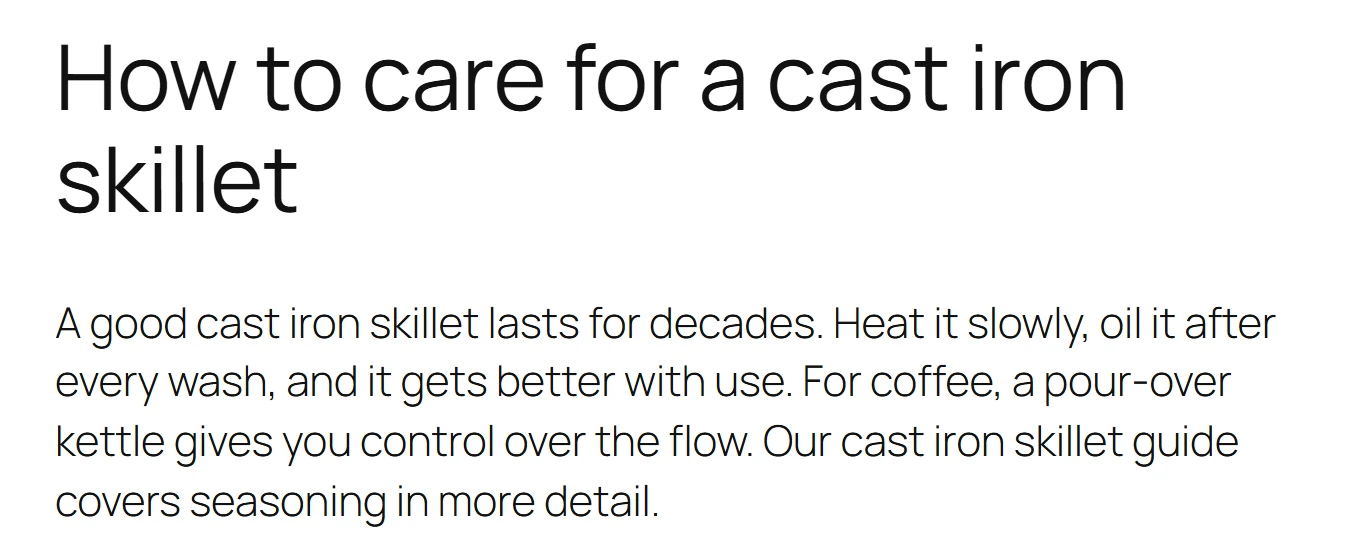
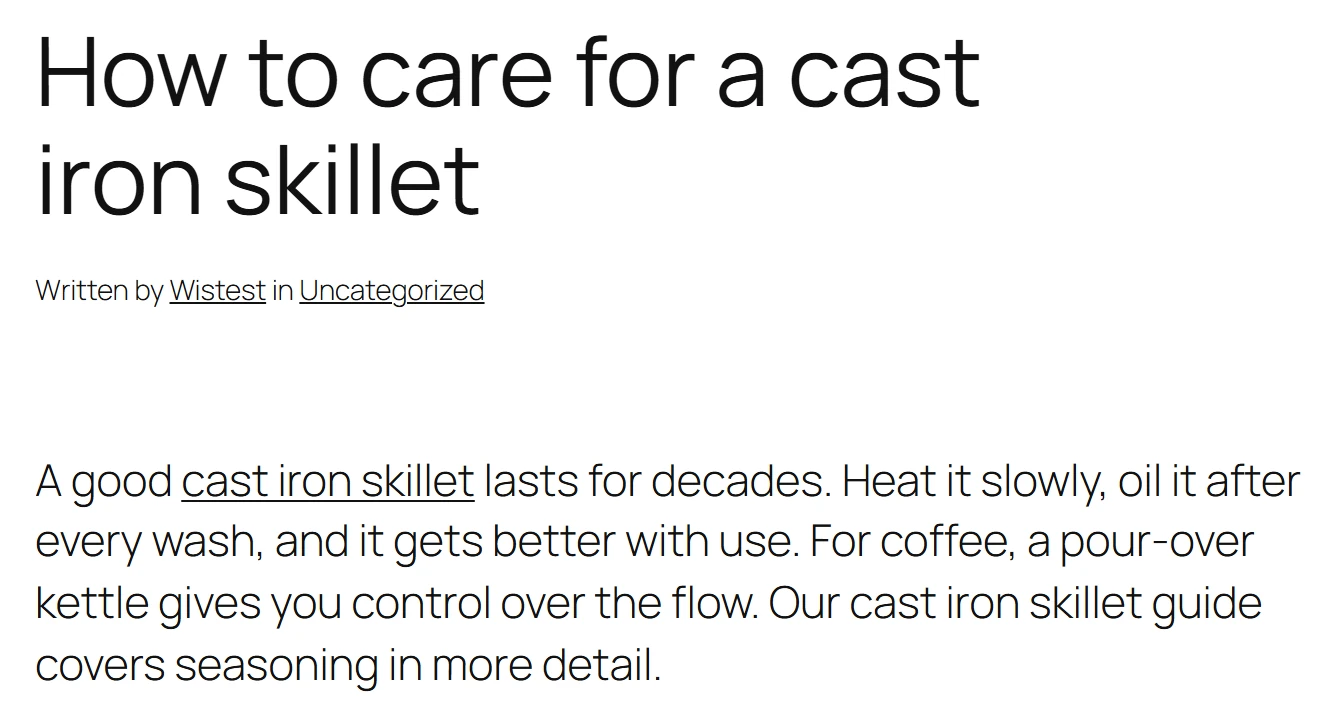
Stored: <p>A good cast iron skillet lasts for decades. …</p>
Served: <p>A good <a href="…/node/test-shot-cast-iron-skillet/…" rel="sponsored">cast iron skillet</a> lasts for decades. …</p>
Node’s real output, shortened, with Sponsored on.
Every automatic link is a Node link.
An automatic link points to your short link on your own site, so its clicks are counted like any other. Your routing rules and labels apply too.
Each automatic link can carry a tag for the post it sits in, so Node shows which post sent the click.
<a href="https://yoursite.com/node/rain-shell/…" rel="sponsored">rain shell</a>
With Sponsored turned on for this link.
A long list, in one paste.
Once your affiliate links are in Node, Bulk Import takes a whole list of words, one line per link. The Keyword Tester shows what a word will match before you save it.
Four tools sit together on one screen: Sandbox, Bulk Import, Keyword Tester and Excluded.
rain shell, rain jacket > rain-shell
camp stove, trail stove > camp-stove
headlamp > headlamp
The words go left, the Node link right.
Questions about automatic links
Does it change my posts?
No. Links are added as the page is shown. Turn automatic links off, and your posts show exactly as you wrote them.
Will it slow my site?
A linked post is kept ready and reused until the post, a link or a word changes. Only the first view after a change does the work again.
Can it link plurals too?
Yes. Add the plural as its own word, and Node links it as well.
Can I keep it off one post?
Yes. Use the box in the post editor, the column in your post list, or the Excluded list.
Are the clicks counted?
Yes. Each automatic link goes through your short link, where Node counts the click. Bots are left out.
What if a link expires?
Node stops placing it in your posts. A link that has not started yet is not placed either.
Which links can it place?
Your Node links. You add the words to a link you already have in Node.
Where does it add links?
In your posts, as readers see them.
Works with the rest of Node.
Make your links work harder.
Join the waitlist today. You are first in line when Gillish Node opens.
Every plan comes with a 14-day money-back guarantee.
Not on sale yet. No payment now. We write once, when Node opens.
Placeholder: this form sends nothing